
See subscribed products, variants and subscribers
See which products and variants shoppers are waiting for, how many sign-ups each one has, and who signed up.
See products and variants
-
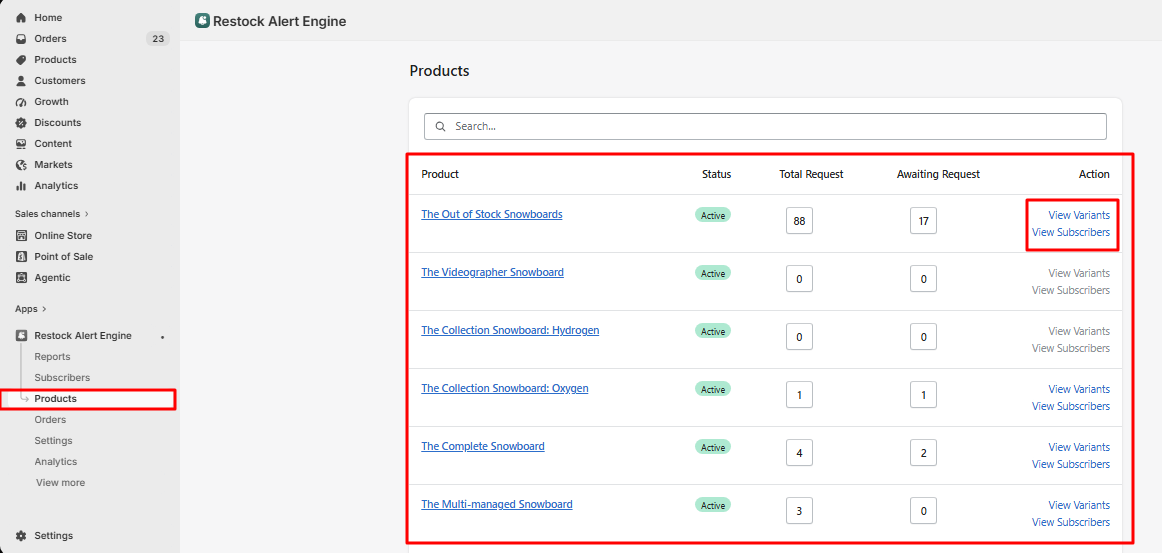
In the app, go to Products. Each product shows its Total Request (all sign-ups) and Awaiting Request (shoppers still waiting).
-
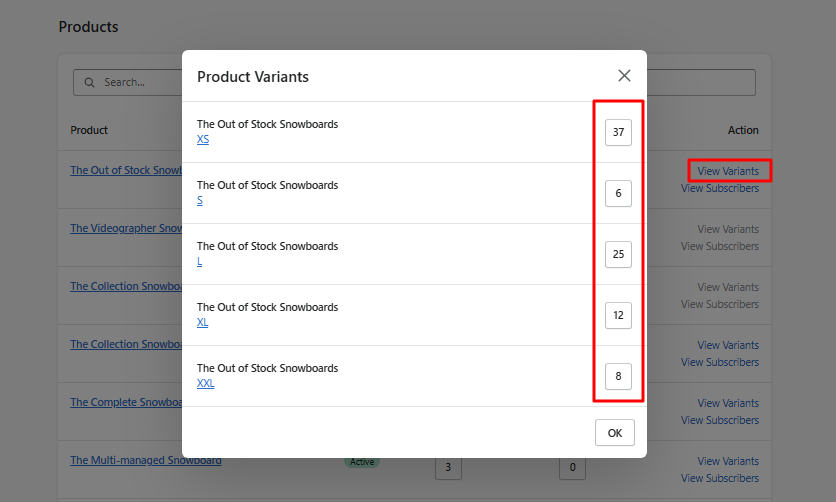
Click View Variants to see the sign-ups for each size, color or other variant.
See who signed up for a product
-
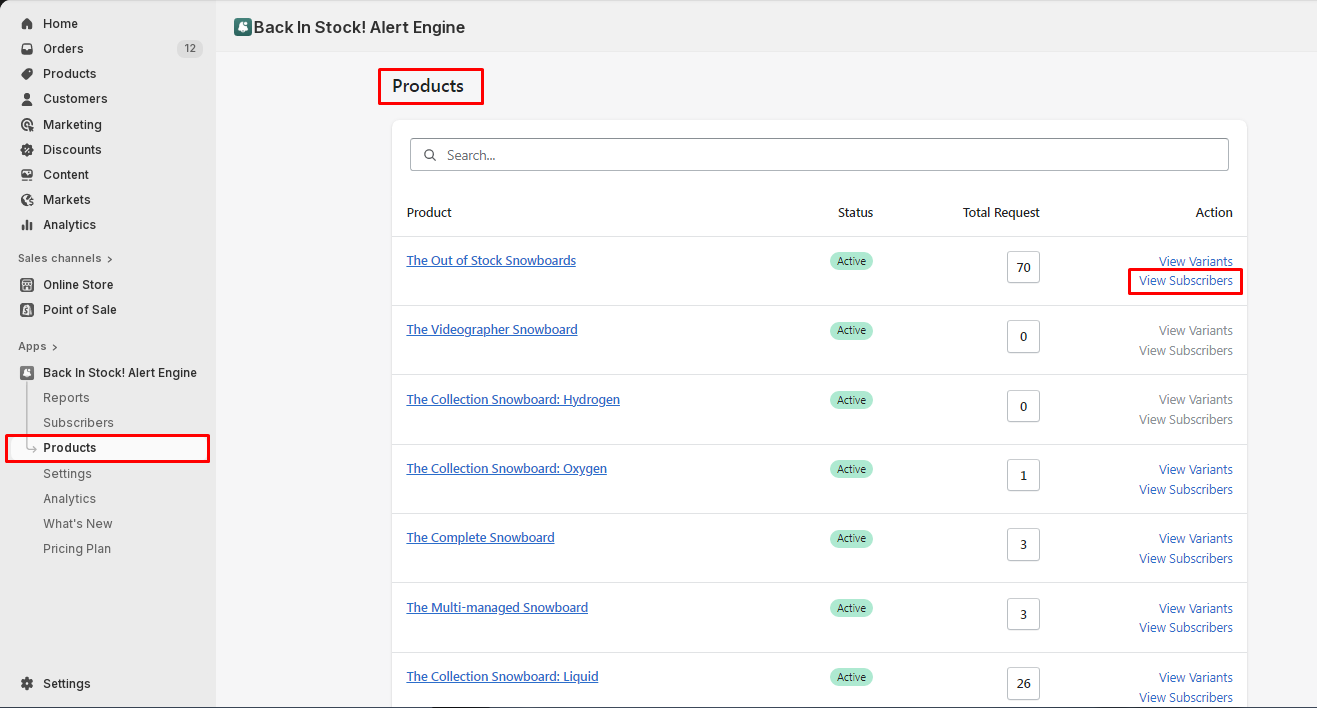
On the Products page, click View Subscribers next to the product.
-
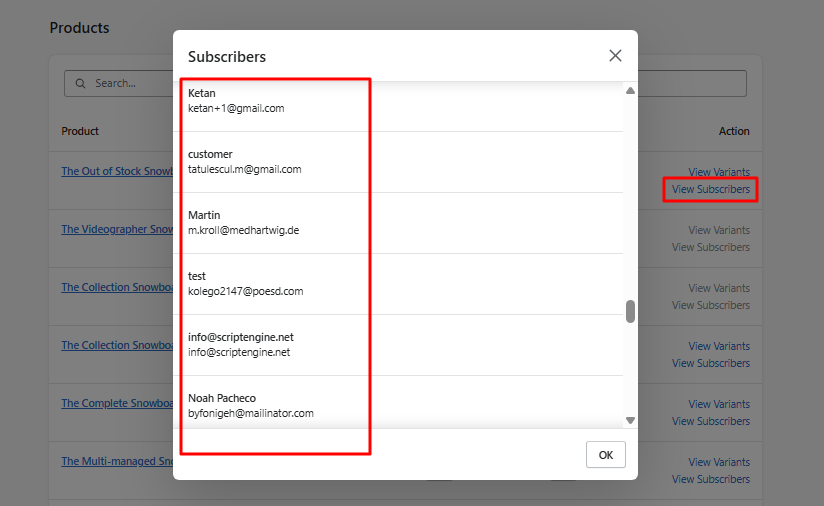
The list shows the name and email address of every shopper waiting for that product.
Tip: use the search box at the top of the Products page to find a product quickly.